What is a VPN — and how it helps when a site is down or blocked in your region
A VPN lets you test whether a website is truly offline or just unreachable from where you are. Here's how it works, plus two services worth knowing.
Sometimes a website won't load for you — but it isn't actually down. It's just unreachable from your location. The site might be geo-restricted, blocked by your ISP or network admin, or even blocking your region on purpose. A VPN is the quickest way to tell the difference, and to get around the block once you know.
What a VPN is
A VPN (Virtual Private Network) routes your internet connection through a server in a location you choose, then forwards your traffic to the website from there. To the website, the request appears to come from the VPN server's location — not from you. To anyone in between (your ISP, a firewall, a public Wi-Fi network), your traffic is encrypted and unreadable.
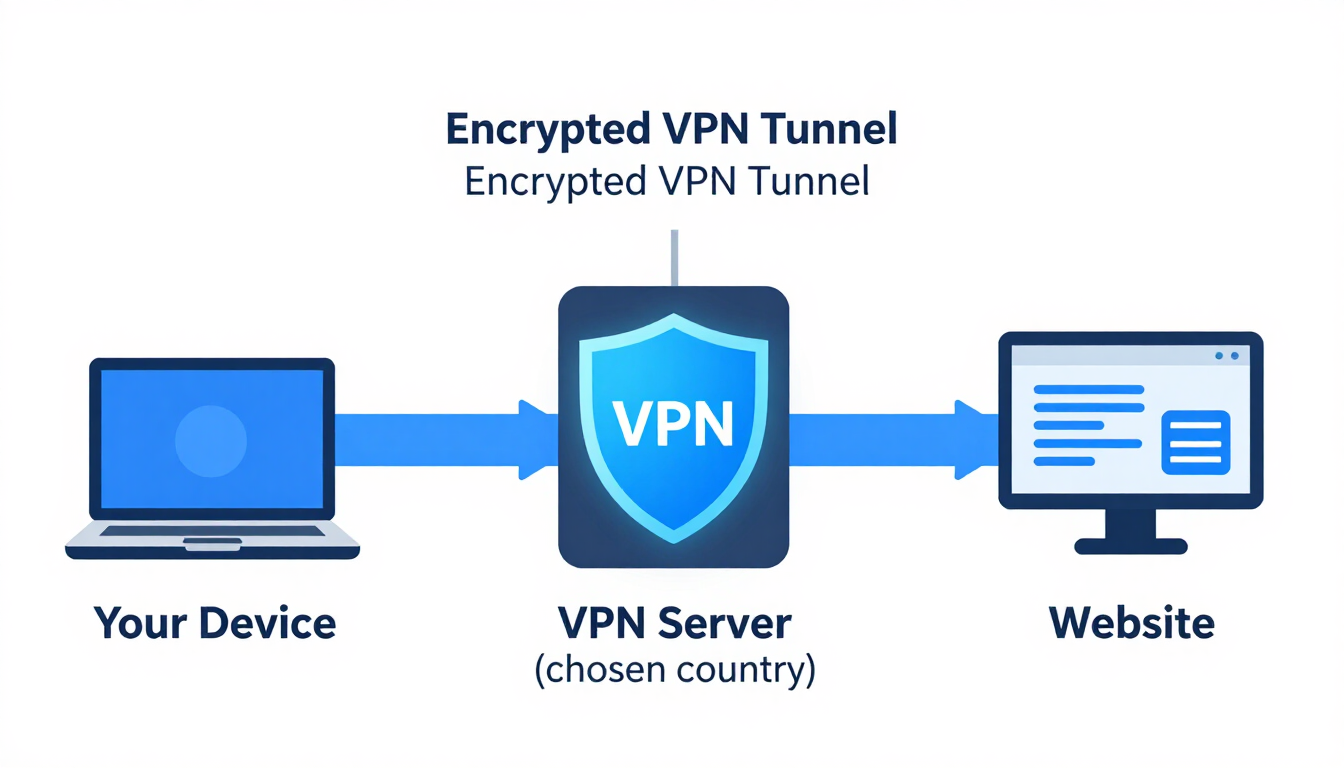
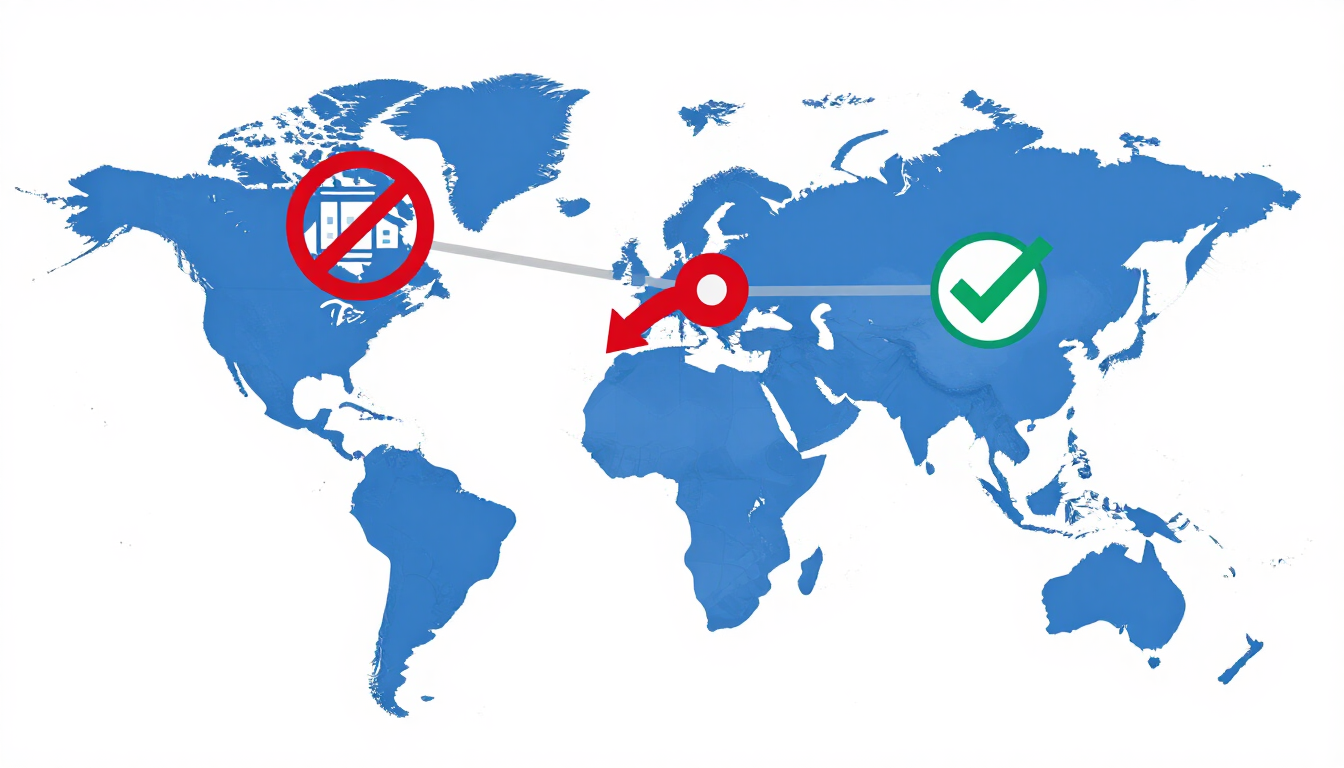
In practice, that means you can pick a country from a list, click connect, and browse as if you were sitting there. Switch to a server in another country and the same site may suddenly load — or, conversely, start blocking you. That's exactly what makes a VPN so useful for diagnosing regional outages and blocks.
Why this matters for checking if a site is down
When CheckItsDown reports a site as up but it still won't load for you, the problem is usually one of three things: your local connection, a block on your network, or a region-specific restriction on the website's side. A VPN lets you rule out the last two in seconds.
Connect to a server in another country and try the site again. If it loads through the VPN, the site is healthy — it was simply unavailable or blocked from your original location. If it still won't load through several different VPN locations, the site is more likely genuinely down. Pair this with CheckItsDown's server-side check and you can pinpoint the cause with confidence: our check tells you whether the public internet can reach the host, and a VPN tells you whether your specific region can.
VPNs are also handy the other way around. If a site works for you but a friend in another country says it's down for them, connect to a server in their region and test it yourself — you'll see exactly what they see.
Security and privacy benefits
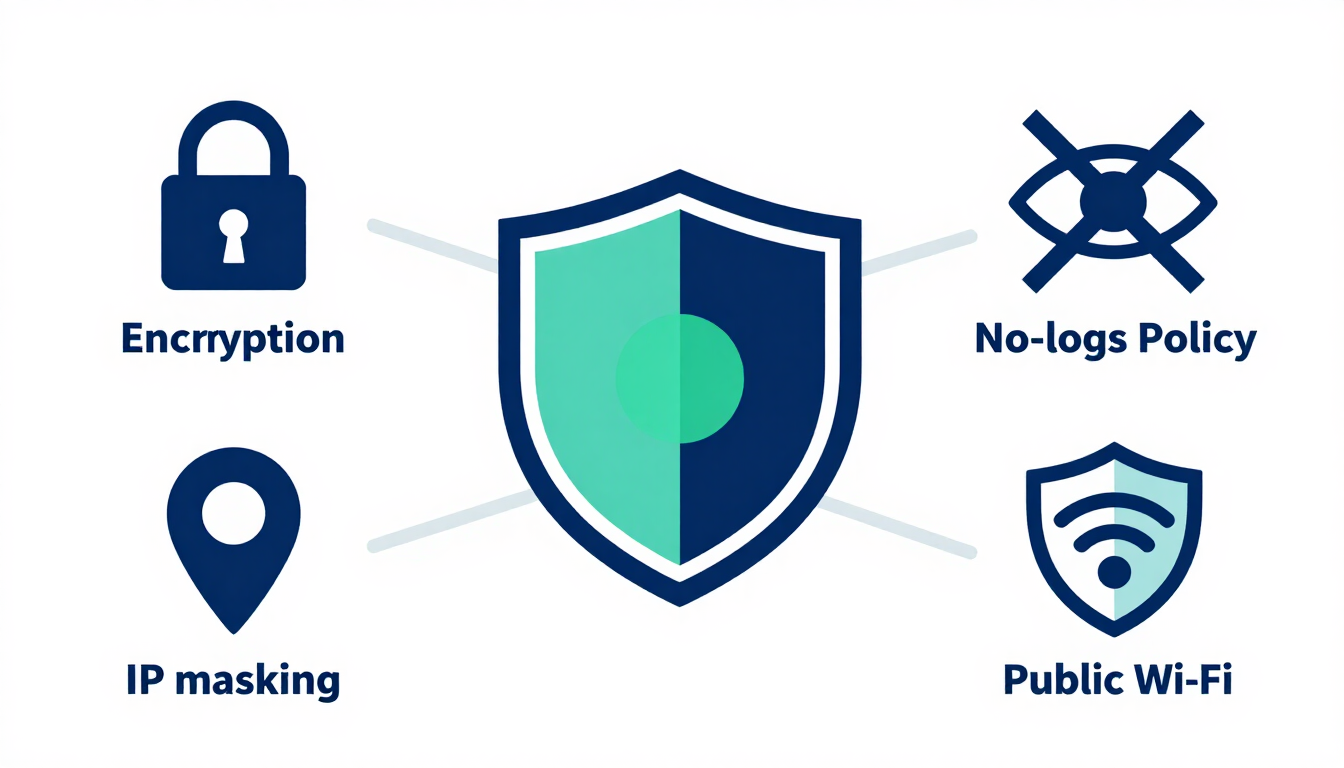
Beyond unblocking sites, a VPN adds a meaningful layer of privacy to your browsing. Your traffic is encrypted end-to-end between your device and the VPN server, so your ISP, network operators, and anyone snooping on a public Wi-Fi network can't see which sites you're visiting or read the data you send. The website you reach sees the VPN server's IP address rather than yours, which masks your real location and identity.
Reputable VPNs also operate strict no-logs policies, meaning they don't keep records of what you do while connected. That matters when you're diagnosing outages from public networks or testing access to sensitive services — you want your checks to leave as little trace as possible.
Two VPN services worth knowing
There are dozens of VPNs on the market. The two below are popular, well-regarded choices with large server networks across many countries — which is exactly what you want when you're testing regional availability. Either will let you switch locations quickly and check whether a site is down or just blocked where you are.

NordVPN
Large global network with servers in 100+ countries
NordVPN is one of the most established VPN providers, with a large network of fast servers spread across more than 100 countries. That breadth matters here: the more locations you can switch between, the faster you can narrow down whether a site is down everywhere or just in your region. It includes strong encryption, a no-logs policy, and apps for every major platform, so you can test from your phone, laptop, or tablet with the same account.
- Servers in 100+ countries for broad regional testing
- Fast connections that won't slow your checks to a crawl
- Apps for Windows, macOS, Linux, iOS, and Android
- Strict no-logs policy and strong encryption
Surfshark
Budget-friendly with unlimited simultaneous devices
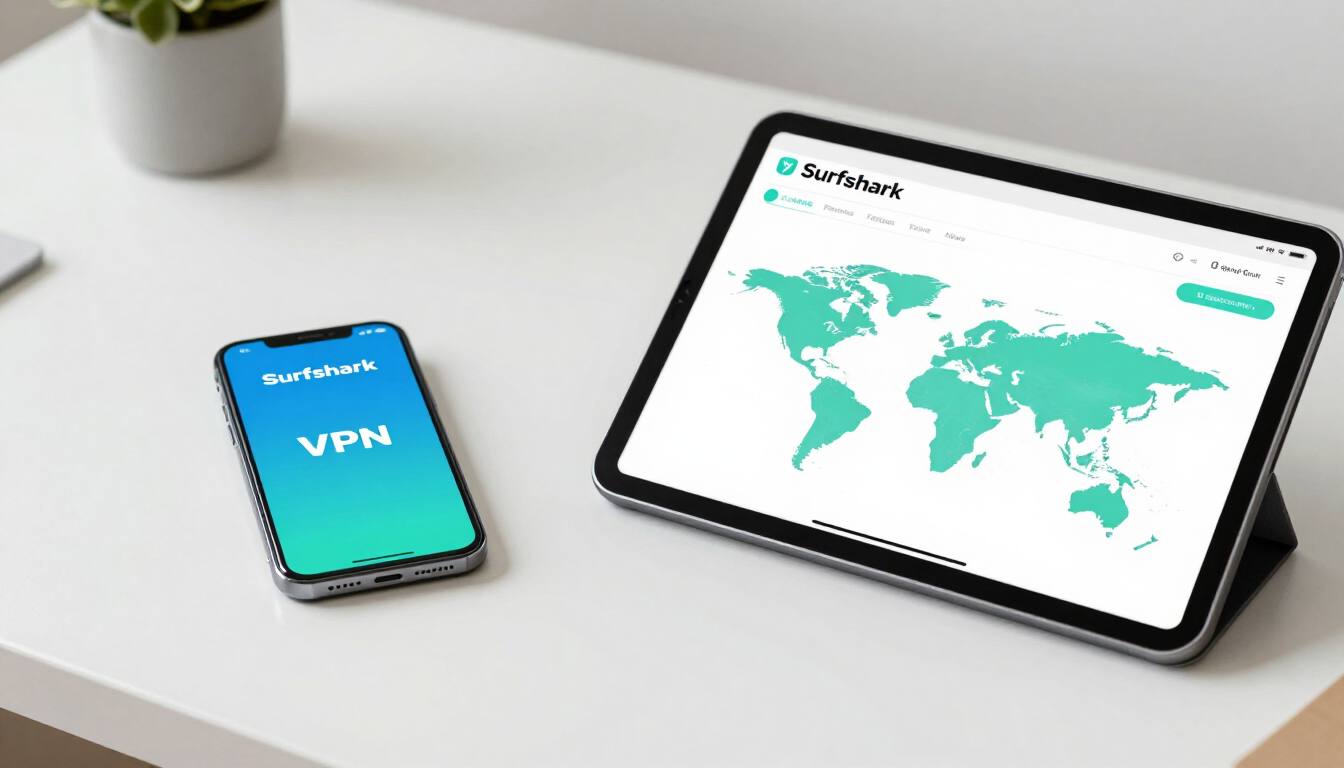
Surfshark is a strong value pick that doesn't cut corners on the things that matter for status checking. It offers servers in a wide range of countries and, uniquely, lets you connect an unlimited number of devices on a single plan — handy if you want to test a site from your phone over mobile data and your laptop over Wi-Fi at the same time. It's a good option if you want reliable regional switching without paying premium prices.
- Servers across many countries for quick region switching
- Unlimited devices on one plan — test from multiple gadgets
- Clean, beginner-friendly apps for all major platforms
- Affordable pricing with strong privacy features
How to use a VPN alongside CheckItsDown
The workflow is simple. First, run a check on CheckItsDown — if we report the site as up, the host is reachable from the public internet. Then connect your VPN to a server in a different country and load the site in your browser. If it works through the VPN but not on your normal connection, you've confirmed a regional block or local network issue rather than a true outage. Try two or three different VPN locations to be sure.
One caveat: a VPN changes where your traffic appears to come from, but it can't fix a site that's genuinely down for everyone. If CheckItsDown reports down and the site fails through multiple VPN locations too, the problem is on the site's end — and all you can do is wait.