How to check if a website is down (or just you)
Before you panic, run through this quick checklist to tell whether a site is truly offline or the problem is on your end.
You type a URL, hit enter, and… nothing. The page won't load. Your first instinct is probably to blame the website — but the truth is, a surprising number of "outages" are local problems on your side of the connection. Here's a calm, repeatable way to figure out what's actually going on.
1. Check it with an external tool
The fastest way to rule out your own connection is to ask a server somewhere else to load the site for you. That's exactly what CheckItsDown does: paste the domain, and we run a live HTTP request from our servers using browser-like headers. If we get a response, the site is reachable from the public internet — even if your laptop can't reach it.
If our check comes back "up" but your browser still won't load the page, the problem is almost certainly local. If our check comes back "down", the site (or something between us and it) is genuinely struggling.
2. Try a different network or device
Switch from Wi-Fi to mobile data, or try loading the site on your phone. If it loads on one network but not another, your ISP, a corporate firewall, or your router is the likely culprit — not the website. Restarting your router fixes a surprising share of these cases.
3. Clear the cache and try an incognito window
Browsers aggressively cache DNS lookups, redirects, and cookies. A stale cached entry can make a perfectly healthy site appear broken. Open an incognito/private window and try again — if it loads there, clearing your cache and DNS cache will usually fix the normal window too.
4. Read the HTTP status code
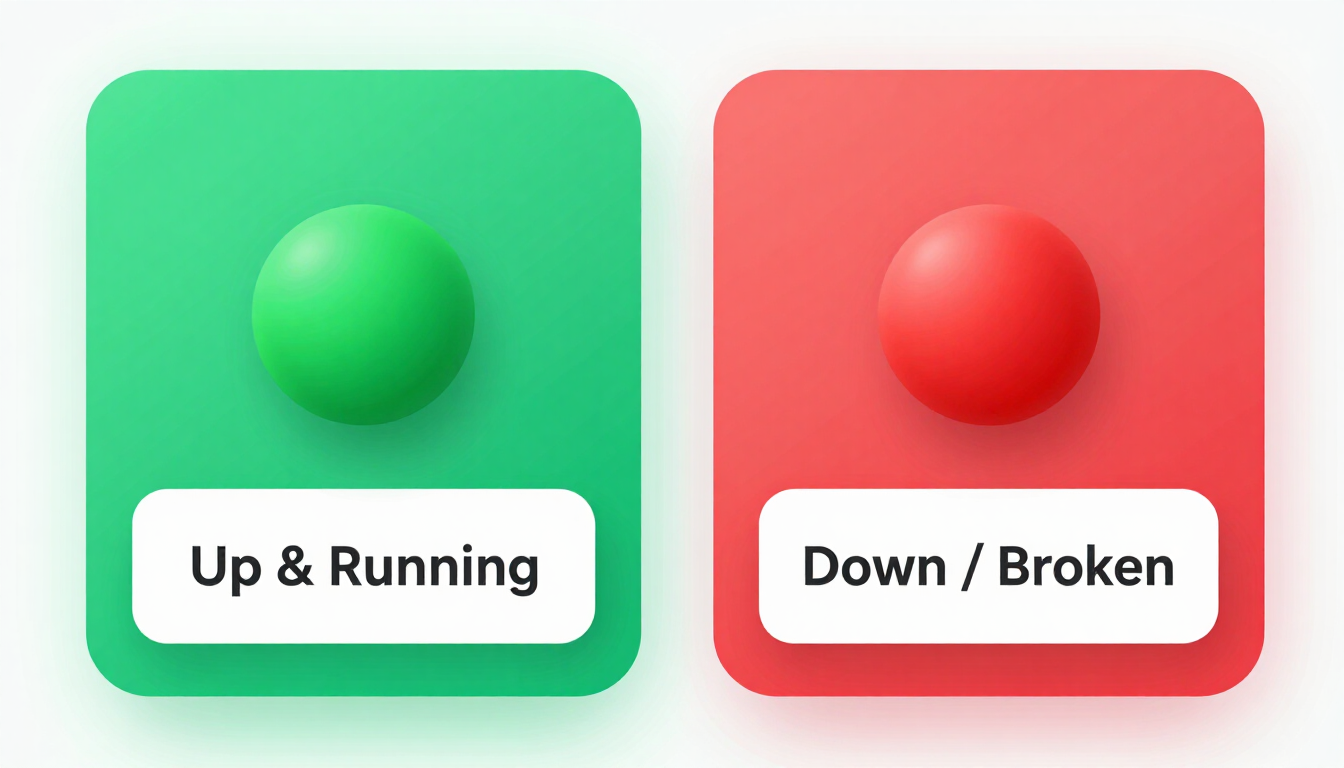
A "down" site isn't always a dead server. A 500-range response (like 500 or 503) means the server is reachable but throwing an error — that's a real outage on their end. A 401, 403, or 404 means the server answered but is refusing or missing the page; the host is up. A 429 means you're being rate-limited. CheckItsDown treats anything below 500 as "up" because the host itself responded.
5. Watch the history
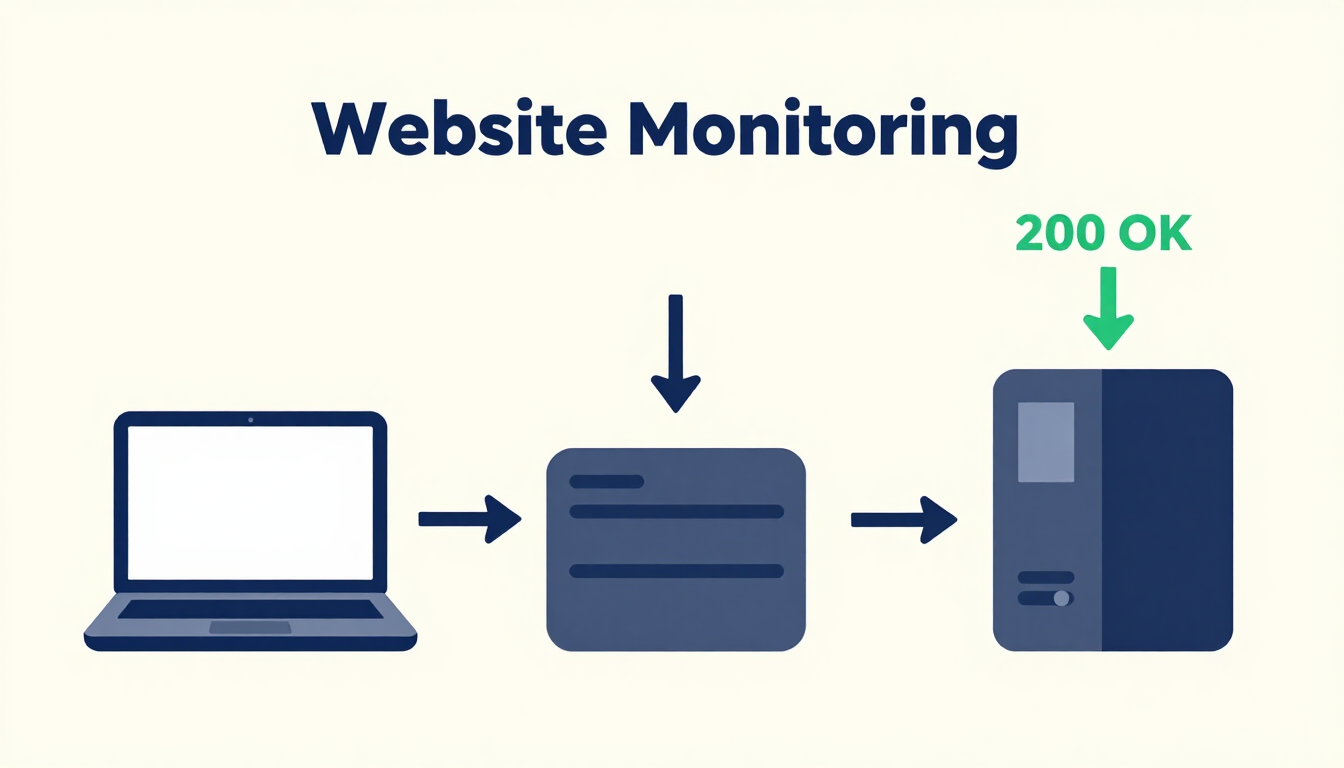
A single check is a snapshot. The real signal is in the trend. On each site's page here, we keep a running history of checks so you can see whether an outage is a one-off blip or a sustained problem. Check again in a few minutes — if it flips back to up, it was a transient hiccup.