Common HTTP status codes — and what they tell you
A plain-English reference to the status codes you'll see most often when checking whether a site is up.
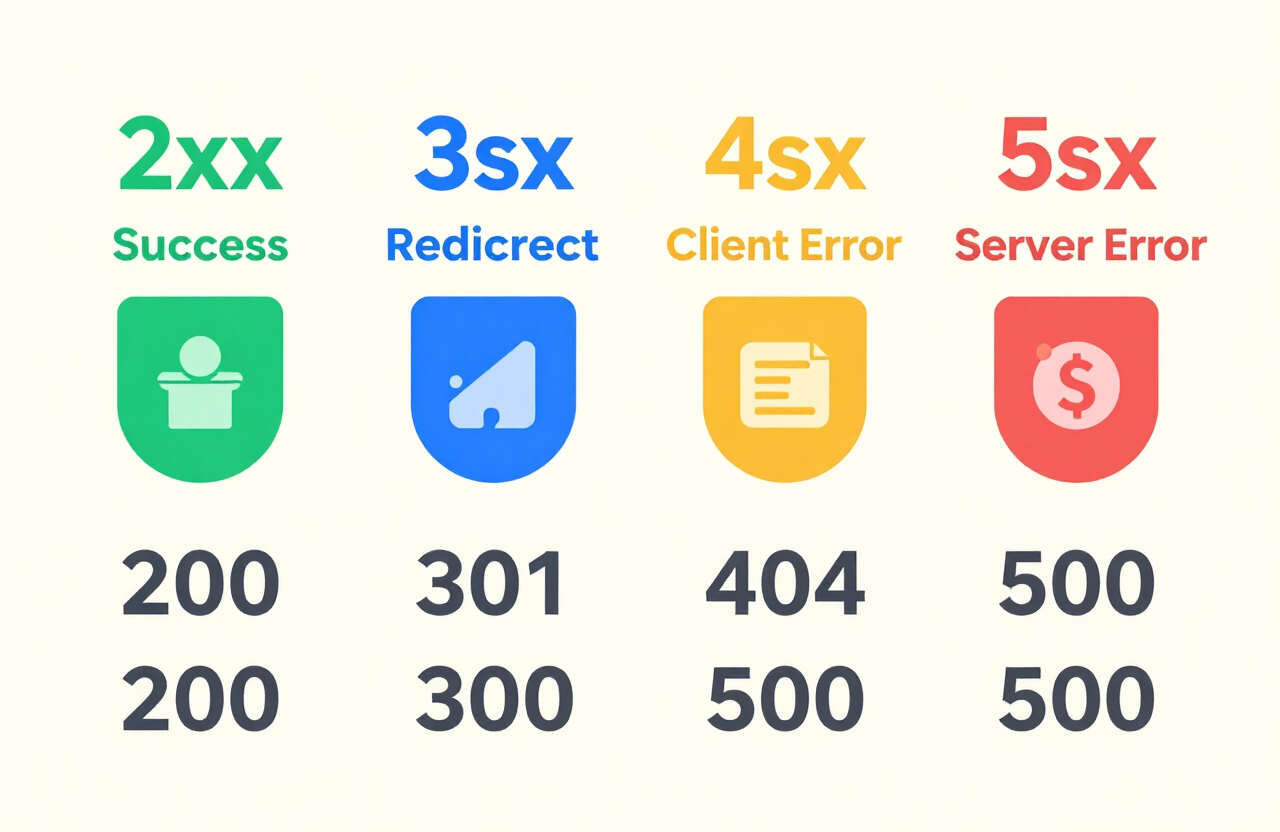
Every time a server responds to a request, it sends a three-digit status code. You don't need to memorize all of them, but knowing the common ones turns a confusing error into a clear diagnosis.
200 OK
The ideal response. The server received the request, understood it, and returned the page. If you see 200, the site is healthy from the server's perspective.
301 / 302 redirects
The page has moved — permanently (301) or temporarily (302). This is normal behaviour, not an error. Browsers follow redirects automatically; a redirect just means "the thing you asked for lives somewhere else now."
401 Unauthorized & 403 Forbidden
Both mean the server is up and answering — it's just refusing to show you the page without authentication (401) or because you don't have permission (403). The host is reachable, so CheckItsDown counts these as "up."
404 Not Found
The server answered, but the specific page you requested doesn't exist. The site itself is fine; the URL is wrong or the content was removed. Again, the host is up.
429 Too Many Requests
You've been rate-limited — the server is deliberately slowing you down because you've sent too many requests too quickly. The site is healthy; you just need to back off and retry later.
500 / 502 / 503 / 504 — the real outages
These are server-side errors and the ones that indicate genuine trouble. 500 means the server crashed processing the request. 502 means a gateway got a bad response from the upstream server. 503 means the service is temporarily unavailable (often overloaded or mid-restart). 504 means a gateway timed out waiting for the upstream. Any of these is a real signal that the site is struggling — and CheckItsDown counts them as "down."